A Practical Guide for Modern Workplaces
Video conferencing is no longer a workaround – it is central to how most businesses operate. Whether your teams are split across multiple sites, working with international clients or running hybrid meetings day to day, the quality of your video conferencing rooms directly affects how productive and professional those interactions feel.
Yet despite this, video conferencing room design is one of the most commonly underinvested areas of office fit out. Rooms are often retrofitted with a camera and a screen and left to perform work they were never designed to support. The result is meetings that feel awkward, audio that drops in and out, and participants who struggle to engage.
In this guide, we cover the key principles that go into designing a video conferencing room that works reliably and looks professional – from layout and acoustics through to technology, lighting and furniture.
Why Video Conferencing Room Design Matters More Than Ever
Hybrid working has fundamentally changed the role of the meeting room. Where once a meeting room needed to seat a group of people comfortably, it now needs to connect that group seamlessly with colleagues and clients joining remotely. That is a very different design challenge.
A poorly designed video conferencing room creates an unequal experience – people in the room can see and hear each other clearly, while remote participants struggle to follow the conversation, see the presenter or feel part of the discussion. Over time, that imbalance affects engagement, decision-making and culture.
Getting the design right addresses all of this. A well-considered video conferencing room makes every participant feel present, regardless of where they are joining from.
Defining the Purpose of the Room
Before any design decisions are made, it is important to define what the room will primarily be used for. A one-to-one client call has very different requirements from a ten-person team meeting with remote participants joining from multiple locations.
Consider how many people will typically use the room in person, whether the room will host external clients or internal teams only, how frequently it will be used and whether it needs to serve multiple purposes beyond video calls. These answers will shape every subsequent decision, from the camera specification to the furniture layout.
Layout: Getting the Fundamentals Right
Layout is the foundation of effective video conferencing room design. The position of the camera relative to participants determines how natural and engaging the experience feels for remote attendees.
As a general principle, the camera should be positioned at eye level and at the front of the room, ideally integrated with or immediately adjacent to the main screen. This creates eye contact between in-room and remote participants, which is fundamental to effective communication.
Avoid layouts where participants sit perpendicular to the camera, or where the camera is positioned at the side or corner of the room. These arrangements mean remote participants see profiles or the backs of heads rather than faces, which significantly reduces the sense of connection.
For larger rooms, consider a conference bar or panoramic camera system that can capture the full width of the table without requiring participants to cluster together. For smaller rooms and huddle spaces, a wide-angle webcam or integrated display system often provides a more cost-effective solution.
Acoustics: The Most Overlooked Element
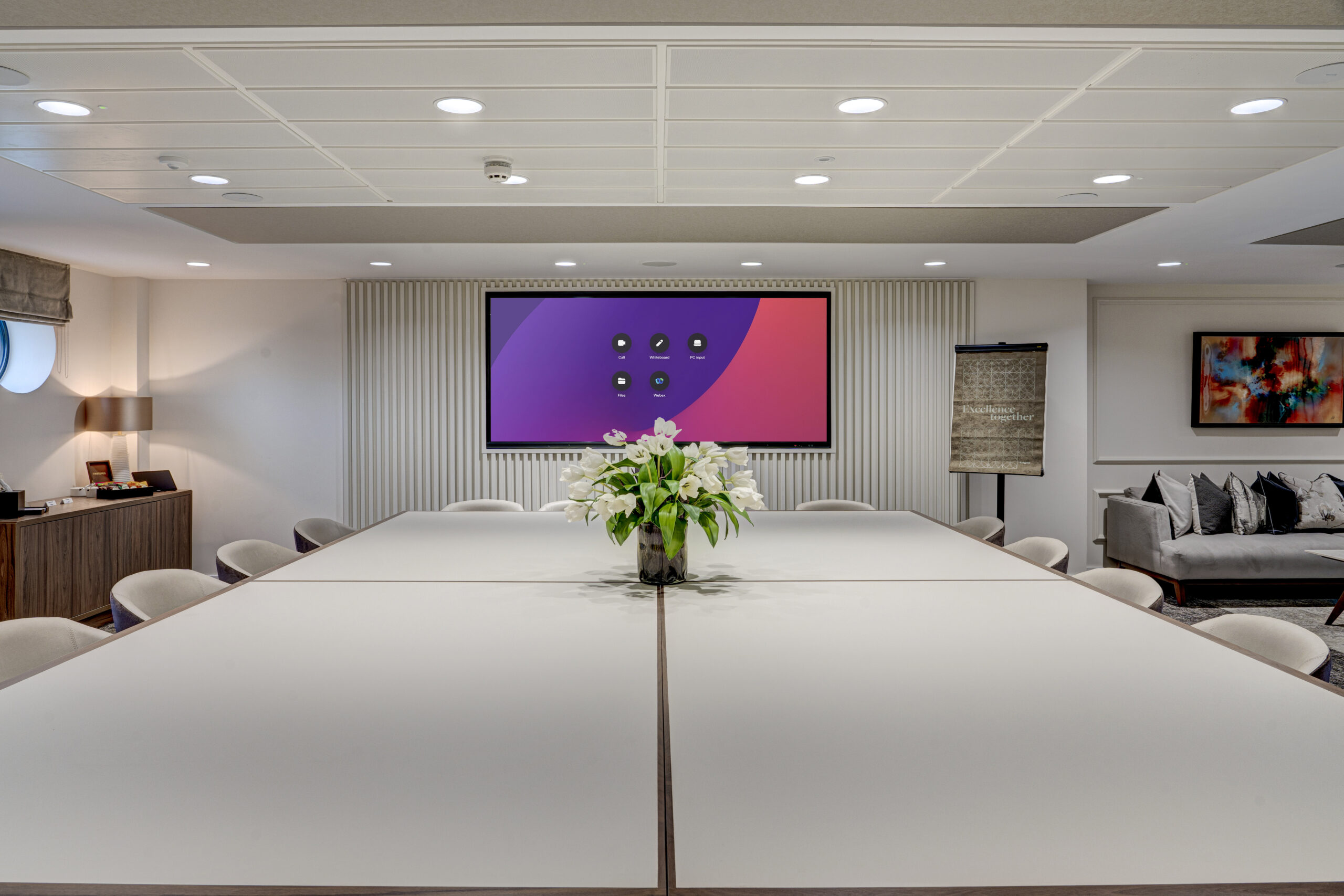
Poor acoustics are the single biggest cause of a bad video conferencing experience, yet they are the element most frequently overlooked during fit out. Hard surfaces, high ceilings and open plan adjacency all contribute to echo, reverberation and background noise that make calls difficult to follow.
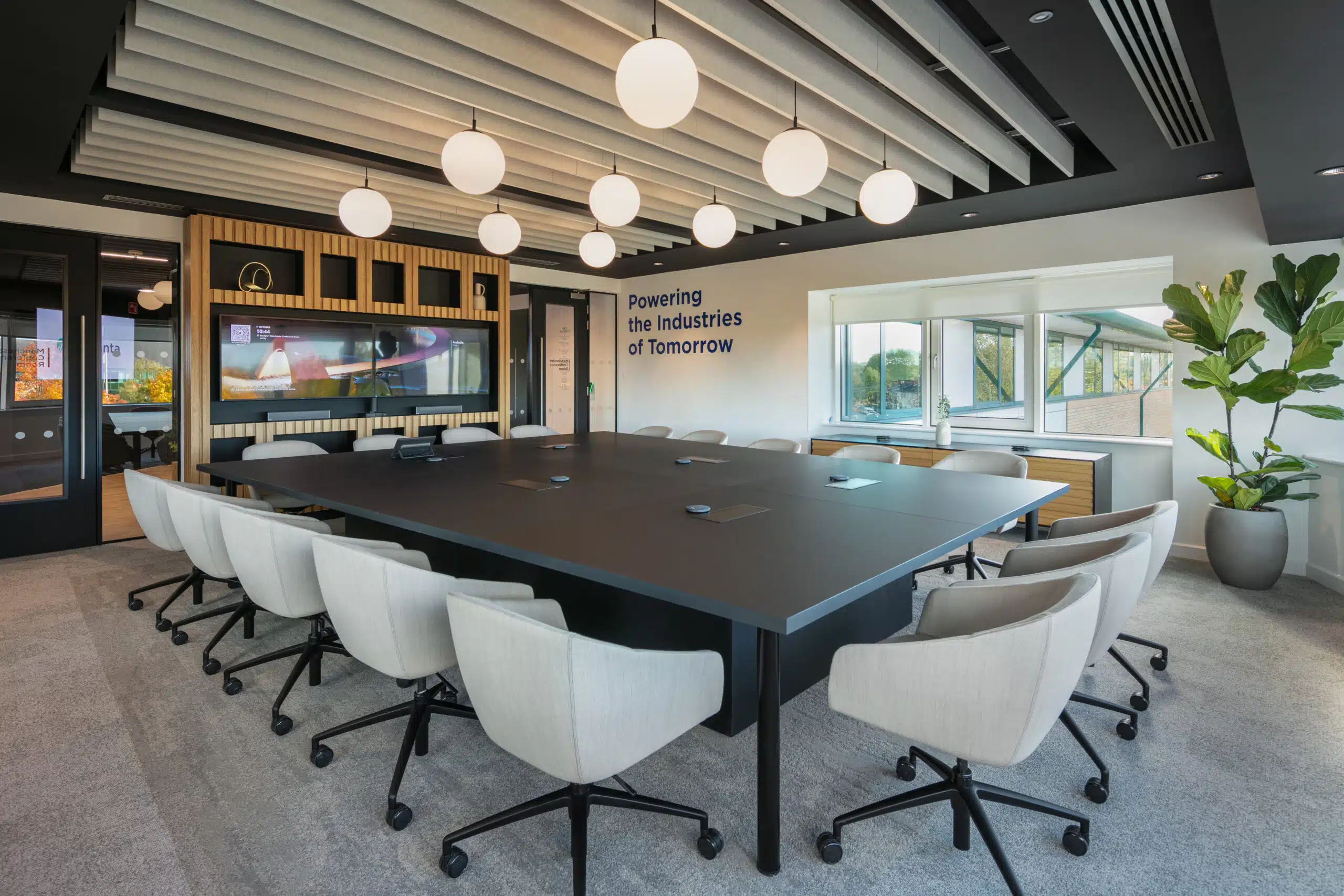
Effective acoustic design for a video conferencing room typically involves a combination of measures. Acoustic wall panels or tiles absorb sound and reduce reverberation. Carpet or acoustic flooring reduces impact noise and echo. Ceiling baffles help in rooms with high or exposed ceilings. Acoustic seals on doors prevent sound leakage in and out of the room.
The microphone specification is equally important. A single desktop microphone is rarely sufficient for a room seating more than four people. Ceiling-mounted microphone arrays or conference bar systems with beam-forming technology pick up voices from across the room without capturing as much background noise, and typically deliver a far superior experience for remote participants.
Technology: Choosing the Right Specification
The technology specification of a video conferencing room should be driven by how the room will be used, not by a desire for the most advanced system available. Overly complex technology that requires IT support to operate will quickly be avoided by users.
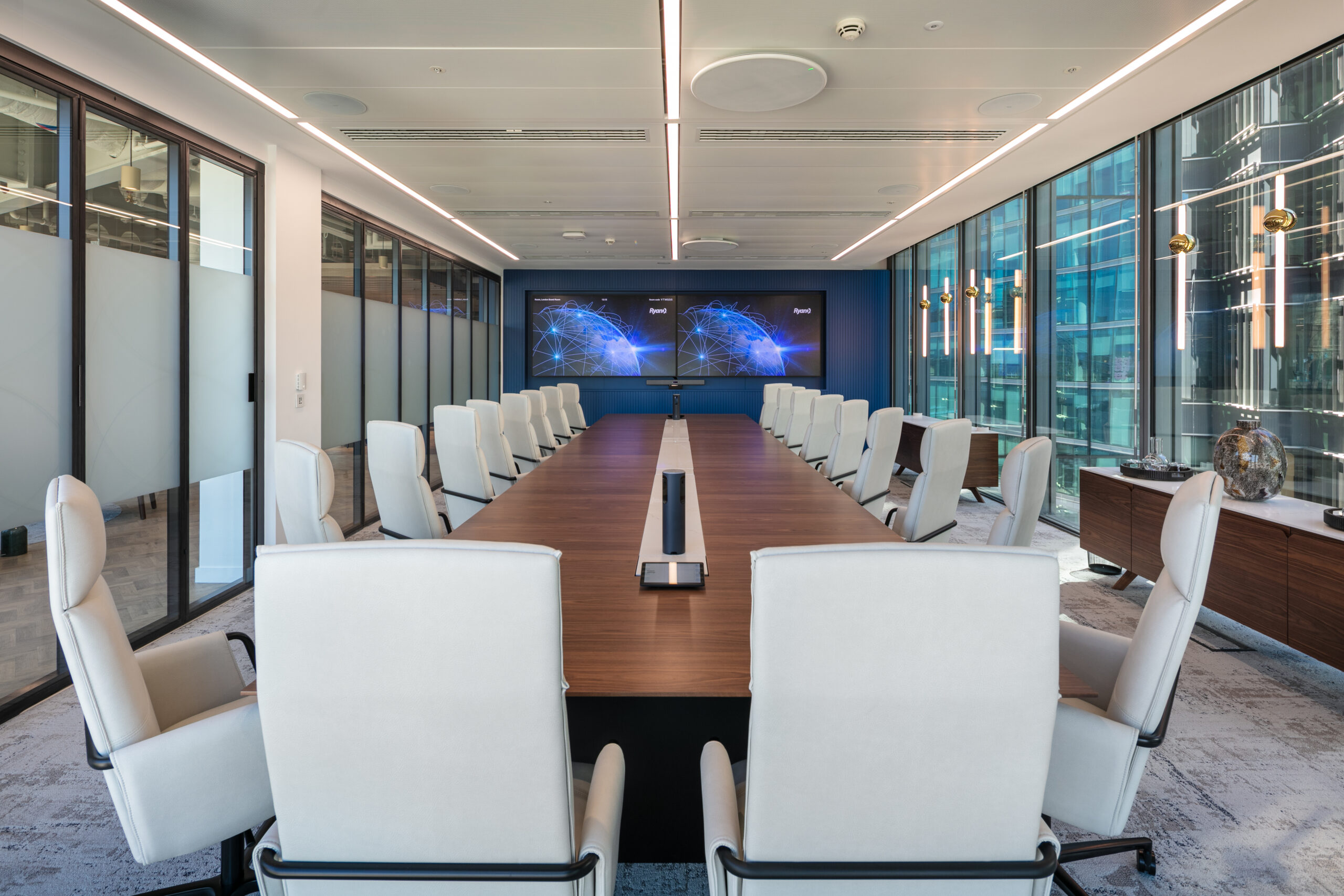
The core components of a well-specified video conferencing room include a display screen sized appropriately for the room (a 65-inch screen is often appropriate for a six to eight person room), a camera with sufficient field of view for the number of in-room participants, a microphone system with adequate coverage, a speaker system with clear, even sound distribution, and a simple, intuitive control interface – ideally a single touch panel or room booking system.
Wireless content sharing is increasingly expected in modern meeting rooms. Systems that allow participants to share their screen without cables or dongles reduce friction at the start of meetings and support a more collaborative dynamic.
Lighting: Often Underestimated, Always Noticed
Lighting has a significant impact on how participants appear on camera. Poor lighting – particularly overhead lighting that casts shadows across faces – makes participants look tired and disengaged on screen, regardless of how good the camera is.
The ideal lighting for a video conferencing room is soft, even and front-facing. This means avoiding harsh overhead downlights as the sole light source, and instead supplementing with LED panels or diffused lighting that illuminates faces from the front. Avoid positioning participants with a window directly behind them, as the backlight will silhouette faces on camera.
Controllable lighting that can be adjusted for video calls versus in-person presentations is a worthwhile investment in any room that will be used for both purposes.
Furniture and Space Planning
The furniture in a video conferencing room should support both in-person collaboration and effective on-camera presence. Avoid very wide or long tables that push participants far from the camera. Curved or oval tables often work better for video calls, as they allow participants to sit closer together and face the camera more naturally.
The number of seats should not exceed the room’s effective camera coverage. It is better to have a room that seats six people well than one that nominally seats ten but delivers a poor experience for the four people sitting at the edges of the camera’s field of view.
Designing for Equity Between Remote and In-Room Participants
One of the defining design challenges of hybrid working is creating meeting rooms where remote and in-room participants have an equally good experience. Too often, the remote participant is an afterthought – a voice from a speaker rather than a visible, equal presence in the room.
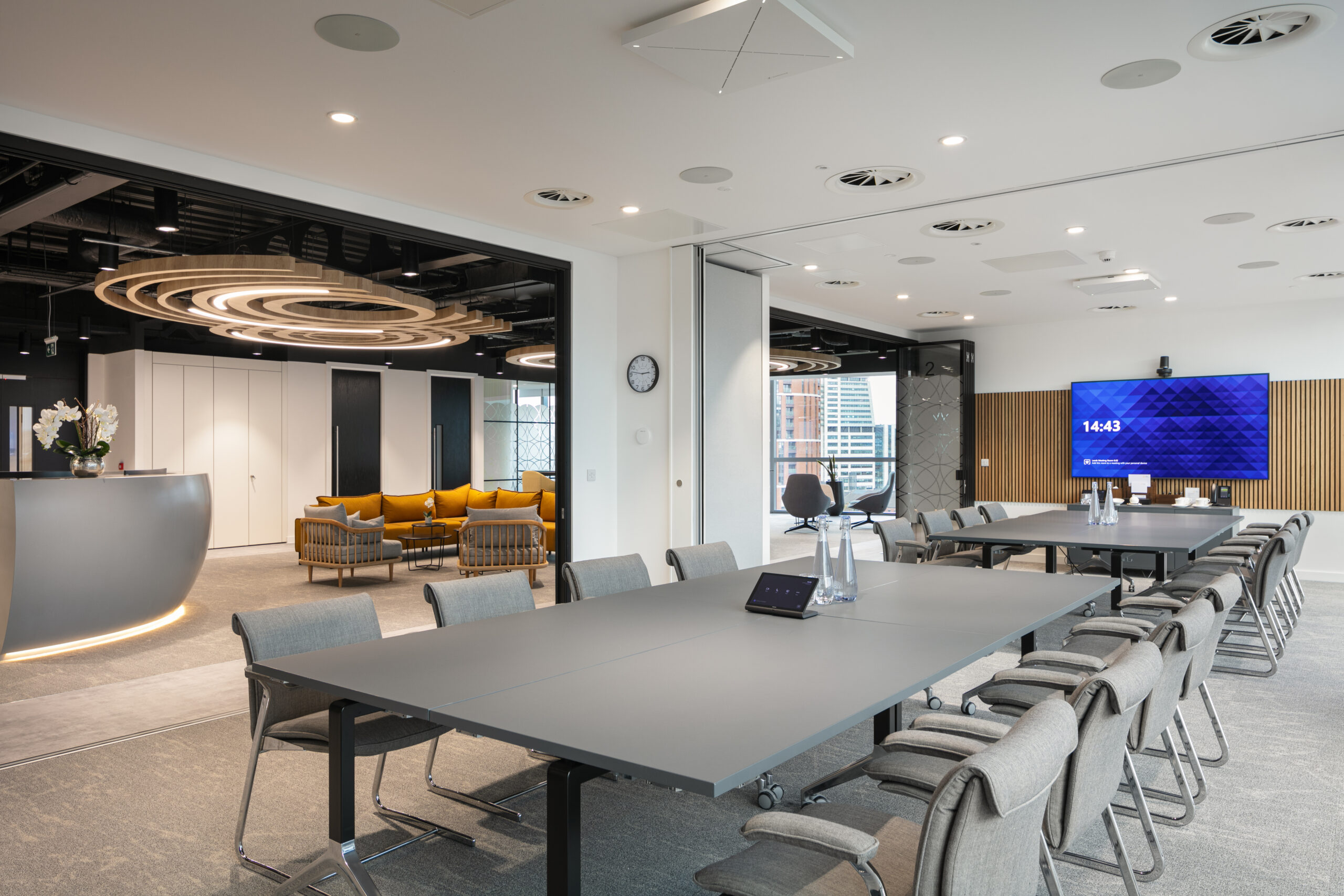
Consider how remote participants will be displayed during meetings. A dedicated screen that shows remote participants at life size or near life size, positioned at the head of the table, goes a long way towards creating parity. Some organisations are investing in video bars that display remote participants on a horizontal strip, mimicking the experience of being seated at the same table.
Working With a Specialist on Your Video Conferencing Room Design
Effective video conferencing room design sits at the intersection of interior design, acoustics and AV technology. Getting it right requires all three disciplines to work together from the outset – not as separate work streams that are reconciled at the end.
At ADT Workplace, we integrate AV specification and acoustic design into our fit out process from the beginning. Whether you are designing a single video conferencing room as part of a wider office project, or looking to upgrade a network of meeting rooms across your estate, our team can help you define the right specification and deliver it to the standard your business requires.